Day-0 Configuration: Default Scan Profile
Last updated: January 21, 2026
Core principle: What to exclude across all SCA/SAST scans going forward
Set the global default scan profile exclusion paths when:
You want to prevent scanning entire directories/files
The exclusion is structural/architectural (not finding-specific)
You want performance benefits (faster scans)
The code shouldn't be analyzed at all*
*Note: Secrets scanning always scans everything in CI or Repository
Step 1: Scan profile exclude paths
Purpose: Prevent scanning of non-production code and artifacts for SAST/SCA. Secrets Scanning are always encompassing the entire repository.
Documentation: https://docs.endorlabs.com/scan-with-endorlabs/manage-scan-profiles/configure-scanprofile-ui/
What to exclude:
✅ Build artifacts: bin/**, obj/**, target/**, dist/** , .env
✅ Vendor code: vendor/**, third_party/**
✅ Generated code: /generated/, **/*.generated.*
✅ Documentation: docs/**, examples/**
✅ Test directories: /test/, **/*Test*, **/*Tests*
Note: For this day-0 configuration, we are targeting universally excluded paths - further iterations or customized Scan Profiles may further extend by cloning the baseline.
Benefits:
Faster scans (less code analyzed)
Lower resource usage
Cleaner findings (no test code noise)
No maintenance burden (structural, not finding-specific)
Recommended Activity: Set up scan profile with structural exclusions
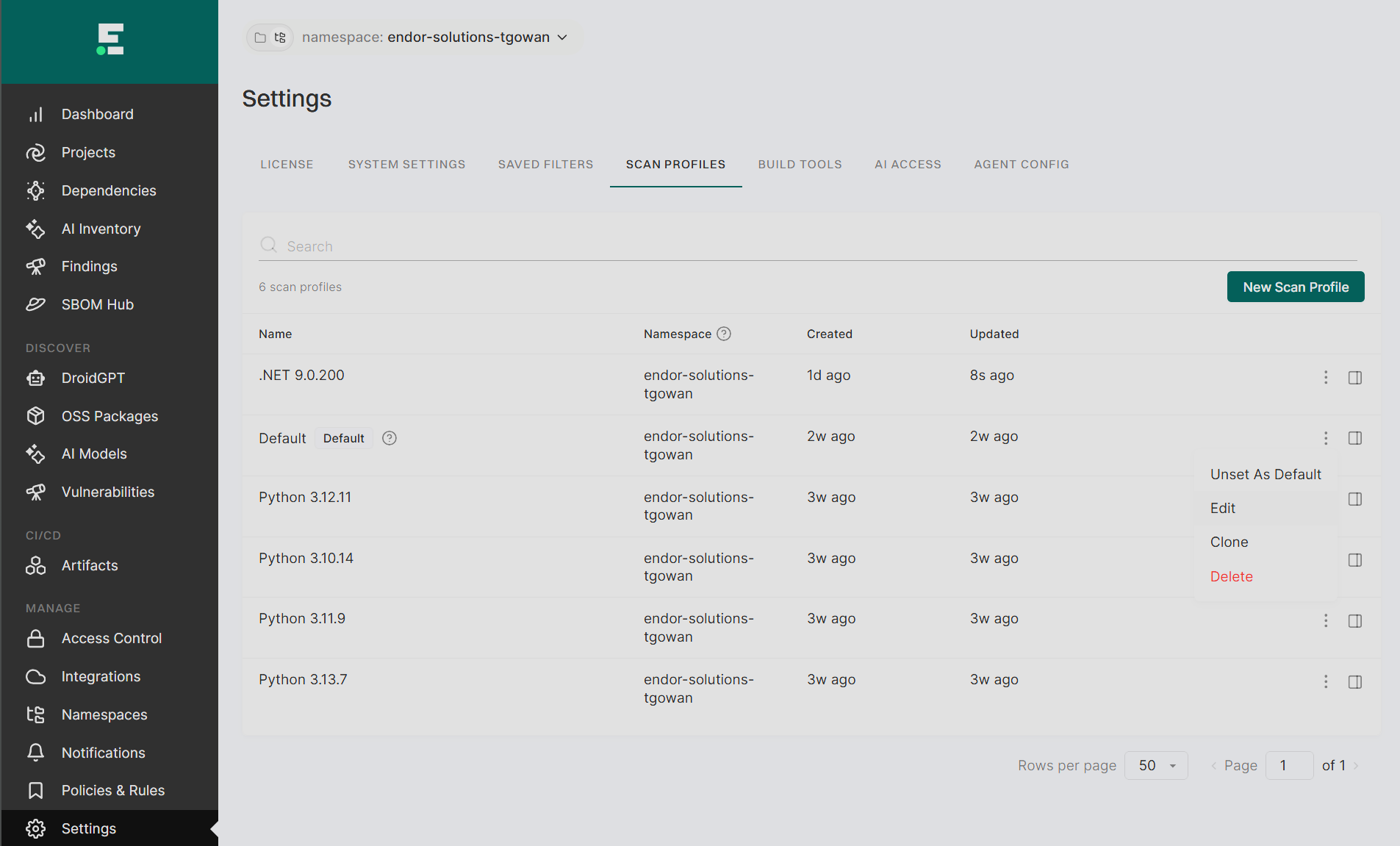
Create base scan profile at the root namespace
Scan Profile Name: "default"
Scan Profile Description: Exclude test directories, build artifacts, vendor code
Propagate to child namespaces: Set to enabled to ensure total coverage.
Toolchains: None (uses auto-detect or defaults through Project Settings)
Step 2: Set Default Environment Variables
Purpose: Establish debug logs for potential troubleshooting during Day-1, Day-n operations.
Documentation: https://docs.endorlabs.com/endorctl/environment-variables/
Environment Variables to set:
ENDOR_LOG_LEVEL=debug
Note: This optional but recommended to accelerate troubleshooting support during the onboarding window
Step 3: Set this Scan Profile as Default
Purpose: Ensure net-new all projects will automatically pick up the day-0 Scan Profile